How to Get Your Google Review Link
Sharing a direct review link is one of the easiest and most effective strategies to boost your local SEO and get more Google reviews. Follow along to set it up.
Prerequisites
Before you begin, make sure:
- You are logged into the correct Google account (the one that manages your business listing).
- Your Google Business Profile is verified.
Step-by-Step Guide
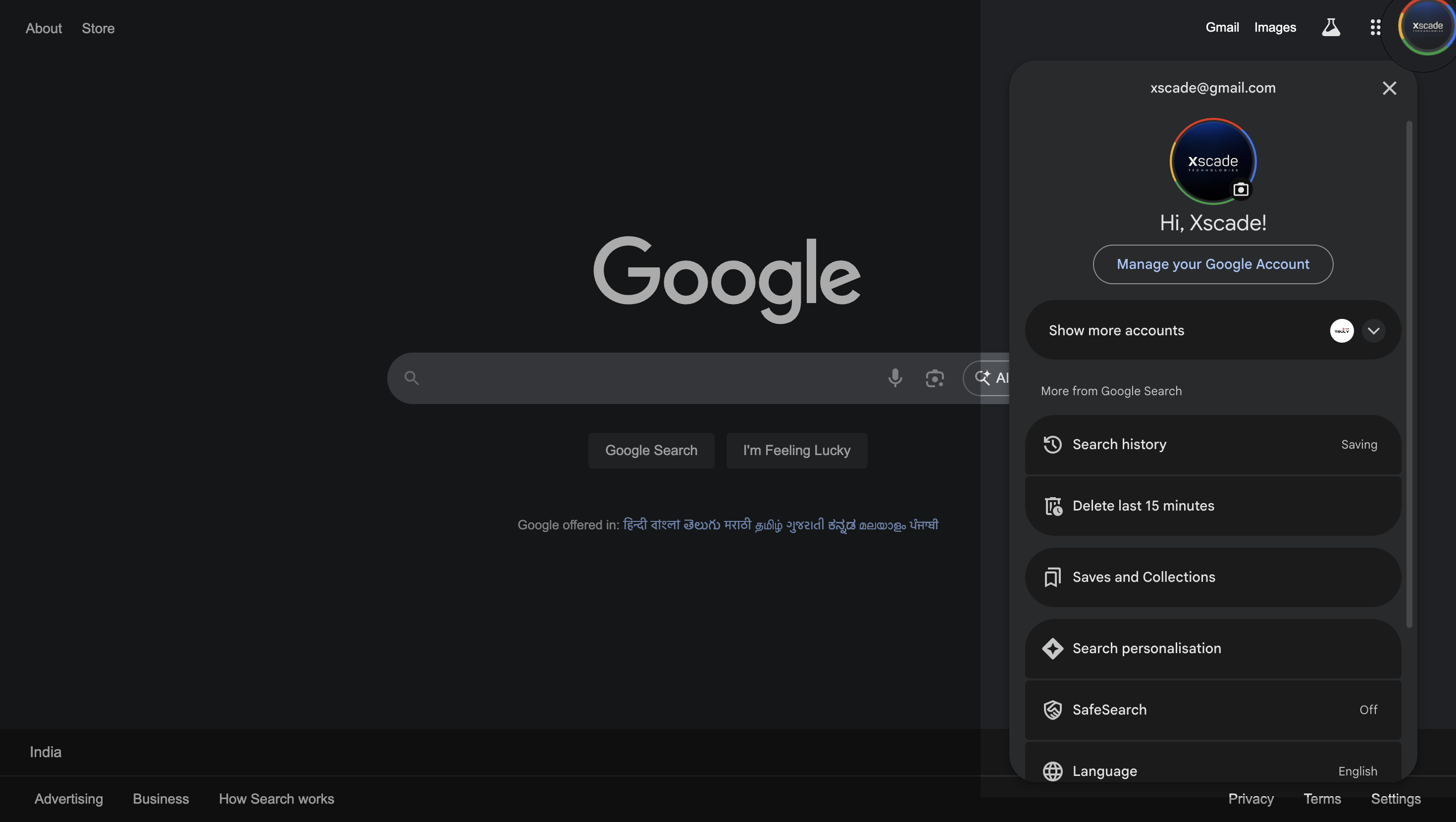
Step 1: Sign In with Your Admin Google Account
Make sure you are logged in with the email address which is used to administer the Google Business Profile.
Use the Gmail account that has administrative access to your Google Business Profile.
Why Google Reviews Matter for Local SEO
Google reviews play a crucial role in improving your local SEO ranking. Here's why:
- Boosts local visibility in Maps and search results.
- Increases trust and credibility among potential customers.
- Improves click-through rates from search listings.
Using a tool like GMBQRCode to make it easier for customers to leave reviews can result in significantly higher review volume and better rankings over time.
Keywords Targeted in This Guide
To help your blog rank higher on Google, this post includes keywords like:
Final Thoughts
Collecting reviews shouldn't be a hassle. With GMBQRCode, you make it seamless for your customers to leave a 5-star review — just scan and go. Start boosting your local reputation and SEO today!